
InsTracker
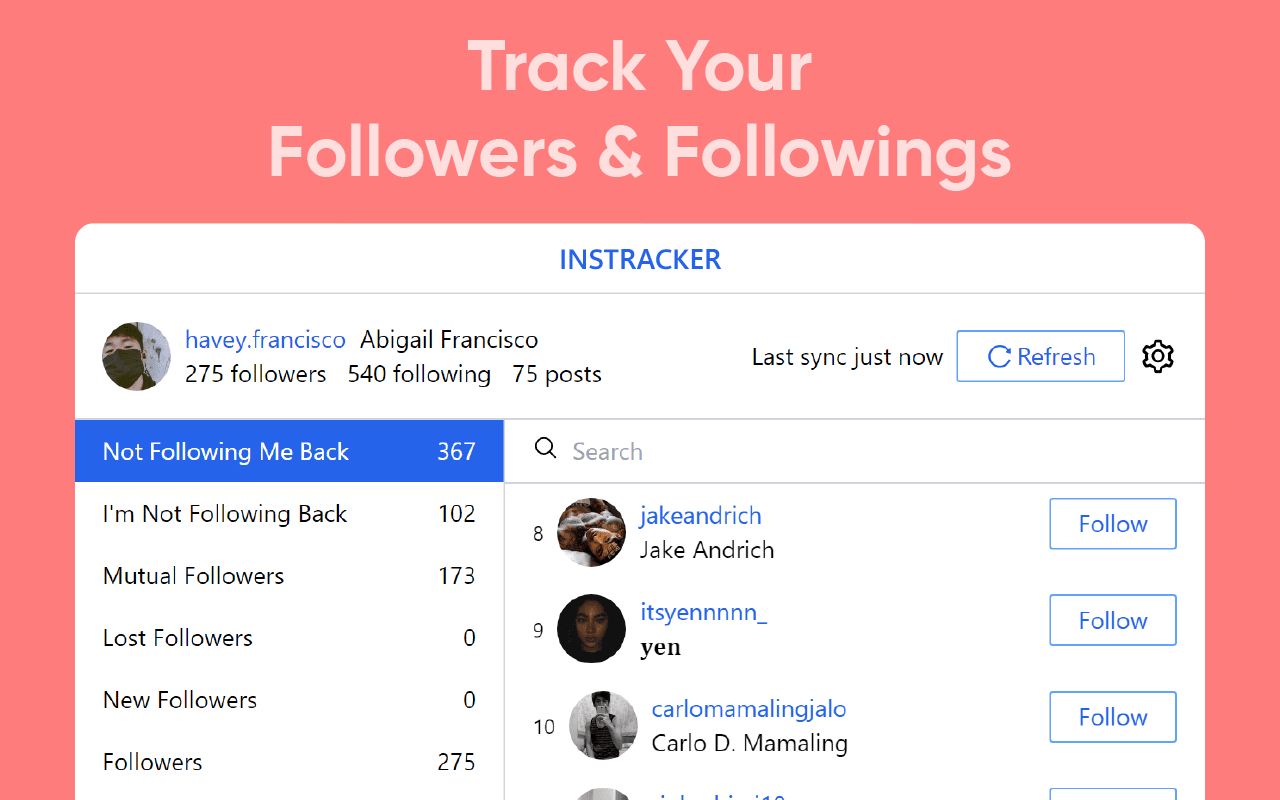
IG Follower & Unfollower Tracker
Track ghost followers, spot who unfollowed you, and clean up your Instagram audience in one click.
- See who doesn’t follow you back
- Track lost and new followers
- Unfollow in bulk, safely
Purpose-built tools for the tabs you live in — see who really follows you, export your data in seconds, and keep every AI conversation worth saving.
Loved by creators on the Chrome Web Store
3
Purpose-built extensions
1-click
Install from Chrome
100%
Browser-based tools
Free
To get started
The toolkit
Focused tools that add superpowers to the tabs you already use — no new workflow to learn.
Built in-house for Chrome
IG Follower & Unfollower Tracker
Track ghost followers, spot who unfollowed you, and clean up your Instagram audience in one click.
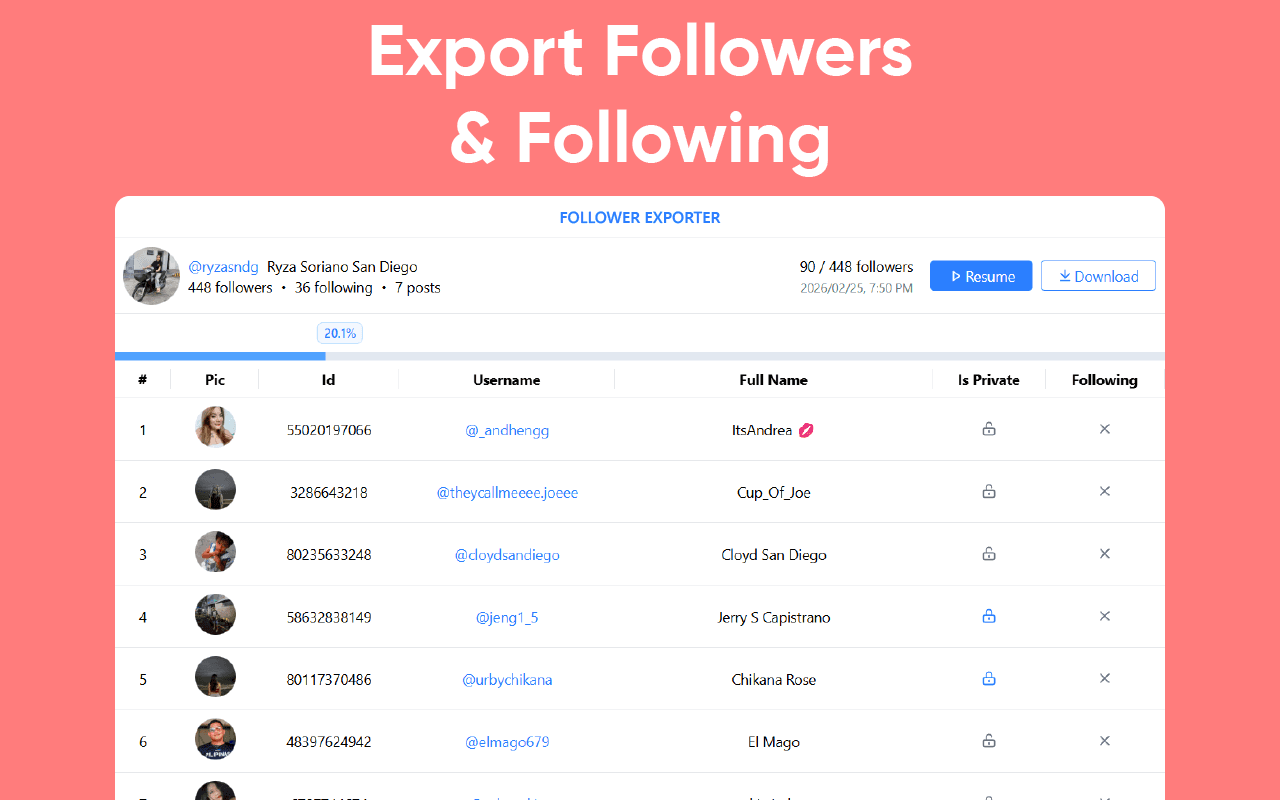

Instagram data exports
Export your Instagram followers and following to Excel, CSV or JSON — straight from your browser.
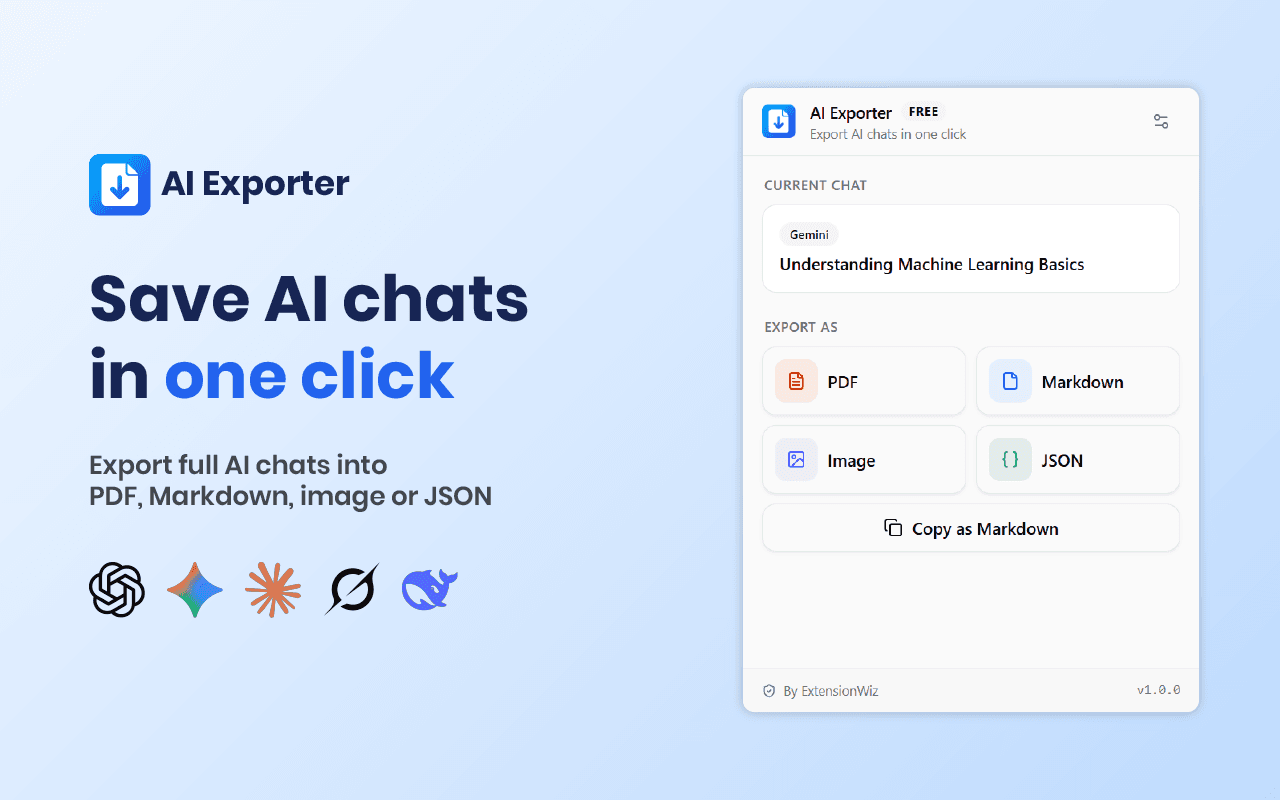

AI chat exports
Turn ChatGPT, Gemini, Claude, Grok and DeepSeek conversations into PDF, image, Markdown or JSON.
Private by design. Every tool runs right inside Chrome. Read the privacy policy
Wall of love
Real words from people who use InsTracker every day — straight from the Chrome Web Store.
“This IG Tracker extension is actually very useful if you want a quick overview of your Instagram followers. It helps you easily see who unfollowed you, who doesn’t follow you back, and your recent follower changes without checking manually. The interface is simple and it saves a lot of time.”
Gyke
InsTracker user
“Hands down the best tracker I’ve ever come across. I can unfollow people from it and it divides everything into simple categories. Hopefully this won’t get deleted, but thank you and keep up the great work!”
Aiolia
InsTracker user
“I tried another one before this and it didn’t work — this one did. Awesome! I only used the feature to see who is and isn’t following me, then manually removed accounts I didn’t want to follow.”
Alejandro Vargas
InsTracker user
Install in seconds and pick the tool that fits your workflow — or use all three. No account required.
Works with Chrome · No account required